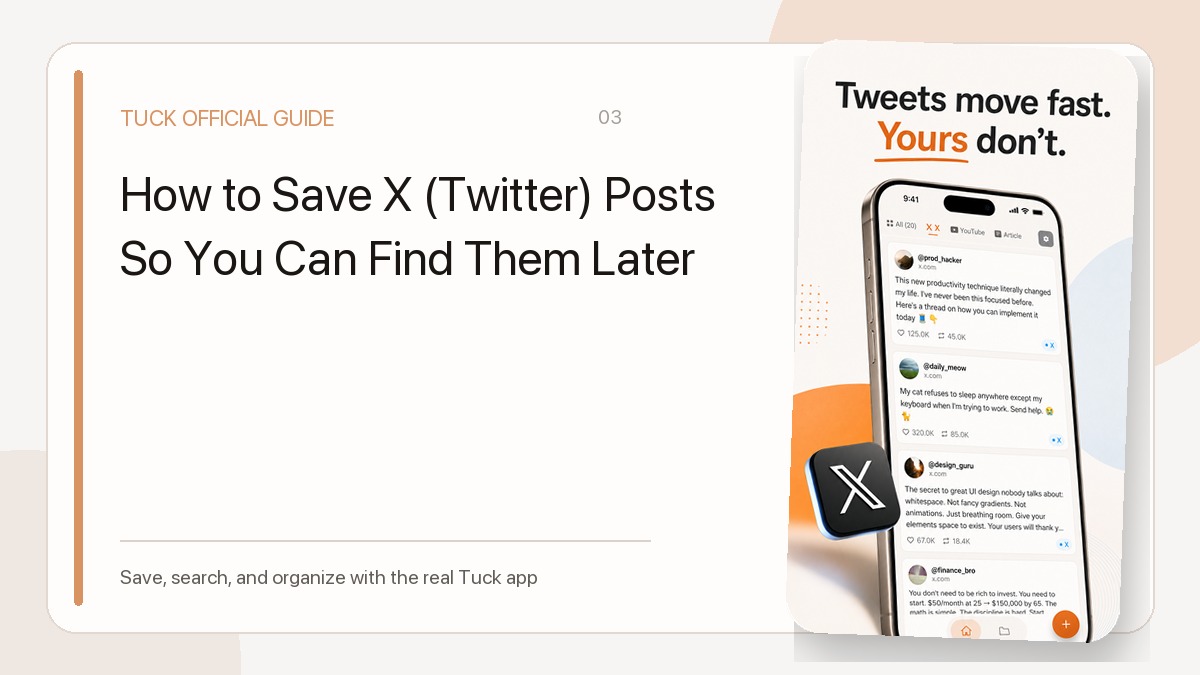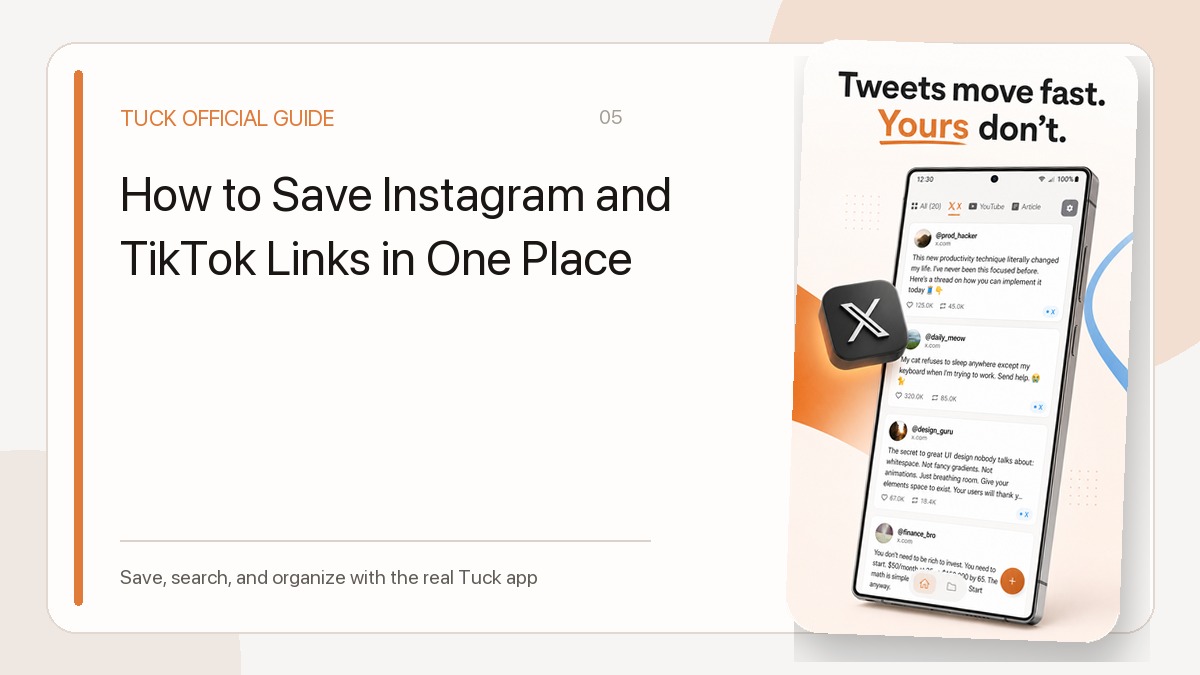
One way to save with Tuck is through the share menu in the app where you found the link. It removes the copy-switch-paste sequence and lets you capture the URL before you move on.
Save from iPhone
Tap the Share button in Safari or another supported app, then choose Tuck. If Tuck is not visible the first time, open the full list of share actions and enable it. The share extension writes to the same device-local store used by the main Tuck app.
- Open Share
- Choose Tuck
- Wait for the saved confirmation
Save from Android
Open the Share action in a browser or social app and select Tuck as the destination. Tuck stores the URL and fills the card with available metadata such as the title or thumbnail.
- Choose Share or Send
- Tap Tuck
- Review the card in the main app
What can limit the preview
If the source app does not pass a usable URL, Tuck cannot save that link from the shared content. Copy the original page URL and try pasting it into Tuck instead.
A missing preview is a different issue: the URL may be saved even when a private or login-only page provides little metadata. Check the save result and the URL in your library. The source content still depends on the original page remaining accessible.
Related guides
- What to Check When Tuck Is Missing from the Share Menu
- Why a Saved Link Has No Title or Thumbnail
- Choosing Useful Bookmark Collections
Download Tuck
Tuck is an iPhone and Android app for saving, searching, and organizing links from social posts, videos, and web articles.