X bookmarks live separately from the articles, videos, and posts you save elsewhere. Sharing an X post to Tuck puts its link into the same searchable library as your other web finds.
Save an X post to Tuck
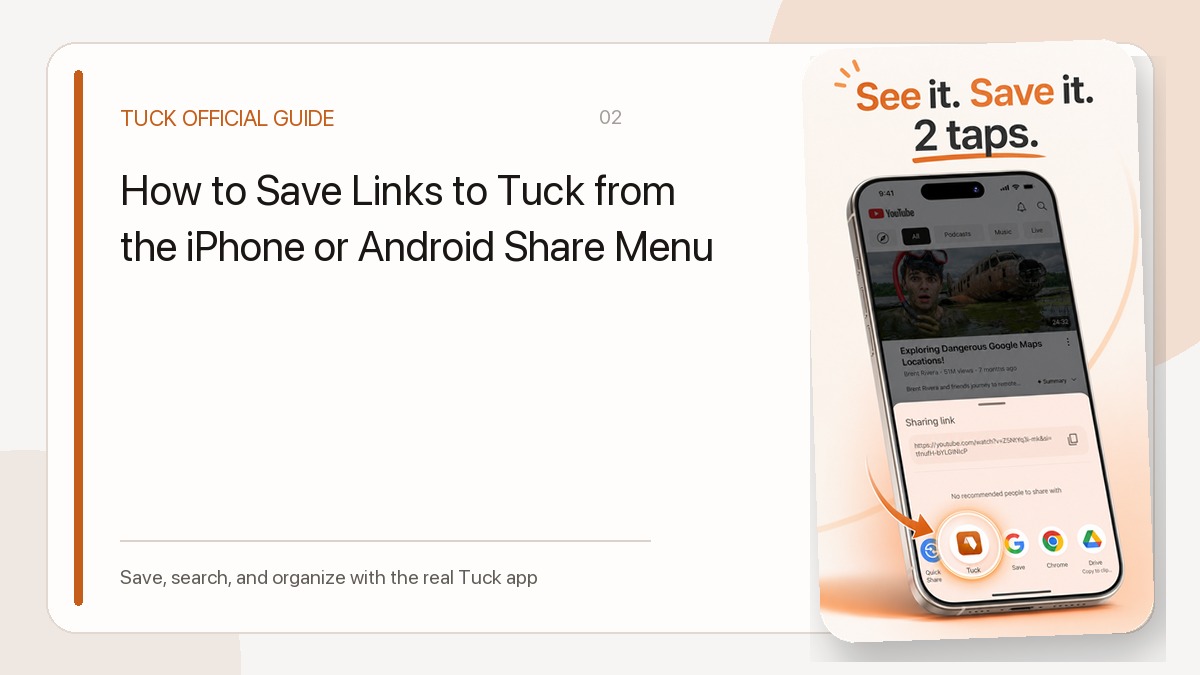
Open the post’s share menu and choose Tuck. Tuck normalizes the URL to reduce duplicate saves, then adds available metadata such as author, text excerpt, or imagery. The exact preview depends on the post’s public availability, the network, and what X allows preview services to retrieve.
Find the post later
Device-local search can match the saved title, excerpt, author, and collection name. If the link has a clear purpose, adding it to a collection makes future retrieval faster.
- Use the unread filter for links you have not opened
- Use the X filter to narrow the feed
- Archive links you no longer need
Important limits
Tuck does not archive X content itself. It cannot guarantee access to a post that is deleted or made private, and it does not sync with your X account or bulk-import the bookmarks already stored there.
Related guides
- How to Save Links to Tuck from the iPhone or Android Share Menu
- How to Find a Saved Link with Tuck Search and Filters
Download Tuck
Tuck is an iPhone and Android app for saving, searching, and organizing links from social posts, videos, and web articles.