Link previews rely on metadata such as Open Graph or oEmbed that the destination site makes available. Sites expose different fields, and results can change with network conditions and access rules.
Common causes
Private posts, login requirements, bot protection, age or region restrictions, temporary network failures, and missing Open Graph data can all reduce a preview. Complicated short links and tracking redirects can also affect normalization or retrieval.
The URL-first fallback
For a valid URL, Tuck attempts to save minimal link information before fetching metadata. Saving can still fail because of the free-tier limit or a device write error, so check the save result. A card without a thumbnail or full title does not necessarily mean the save failed.
What you can check
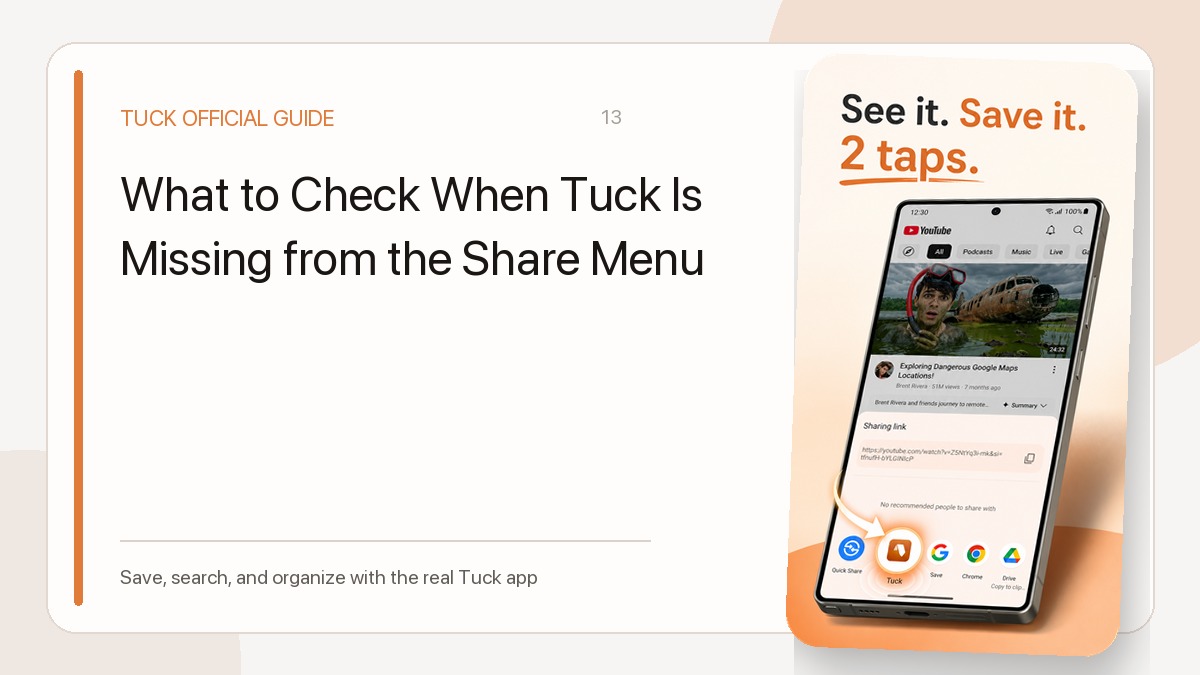
Confirm that the source opens in a browser, is publicly accessible, and that the network is stable. If the URL was not passed through Share, try another share path or manual entry. Sharing an already saved URL again does not necessarily refresh its preview metadata. If the site blocks preview access, Tuck cannot guarantee a complete card on its own.
Related guides
- How to Save Links to Tuck from the iPhone or Android Share Menu
- How to Find a Saved Link with Tuck Search and Filters
Download Tuck
Tuck is an iPhone and Android app for saving, searching, and organizing links from social posts, videos, and web articles.