Recipes, destinations, products, and ideas often end up split between Instagram saves and TikTok favorites. Sharing their URLs to Tuck lets you organize those links beside articles and posts from other services.
Save from the share menu
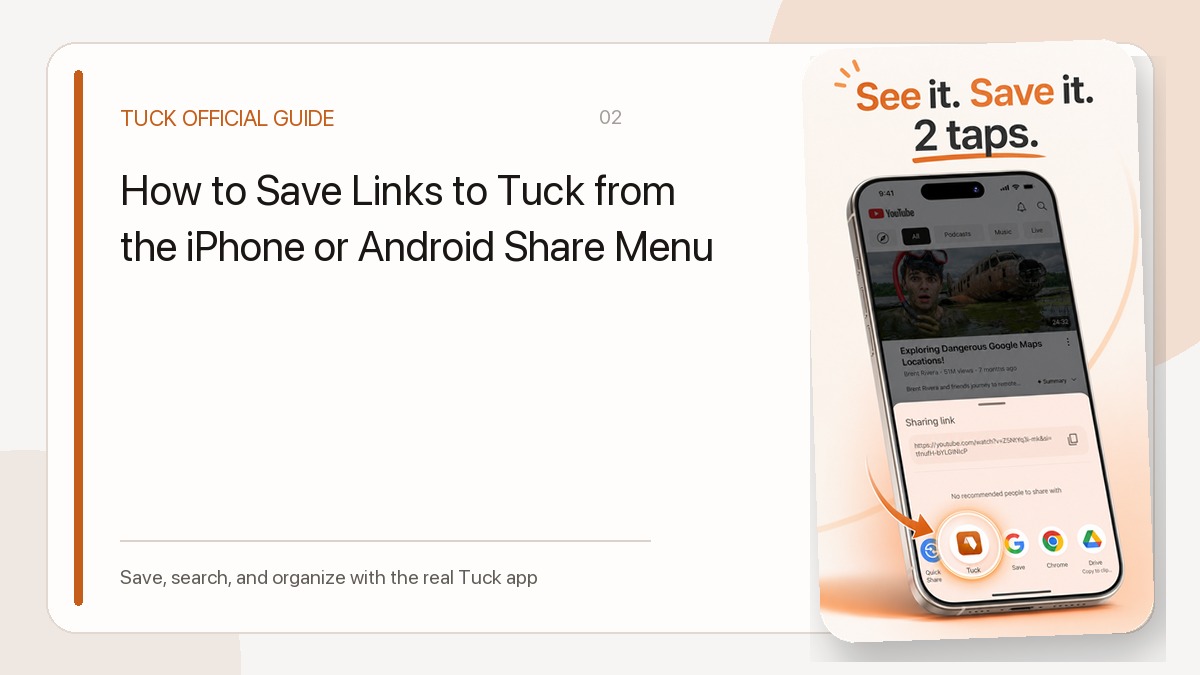
Choose Tuck from the post or video’s share menu. Tuck identifies Instagram and TikTok URLs and displays any title, description, author, or imagery that the source allows it to retrieve.
Organize by the reason you saved it
Collections such as Weekend Trips, Recipes to Try, or Shopping Research can hold Instagram posts, TikTok videos, and web articles together. Search works across the metadata Tuck could retrieve and the collection name.
Private and removed posts
Private accounts, login-only pages, and restricted previews may produce minimal cards. Tuck does not copy the underlying media, so it cannot guarantee that a link remains viewable after the source post is removed.
Related guides
- How to Save Links to Tuck from the iPhone or Android Share Menu
- Why a Saved Link Has No Title or Thumbnail
Download Tuck
Tuck is an iPhone and Android app for saving, searching, and organizing links from social posts, videos, and web articles.