Before collecting product pages and reviews, decide which questions your purchase needs to answer. Gather links that help with those questions, then keep your conclusions in a separate note. A manufacturer’s page, a video demonstration, and a user’s post can each add something different to the same shortlist.
Define Your Deciding Questions First

Before opening shopping sites or social feeds, determine the exact constraints your purchase must satisfy. Start with two or three practical factors that matter to you. For hardware and home goods, these usually involve physical clearance, ease of control, and daily durability.
Assigning distinct roles to your sources keeps research manageable:
- Official specification sheets: Check these for confirmed physical measurements, power requirements, and mounting options.
- Video walkthroughs: Watch these to see physical scale in an actual room, button placement, and how controls respond in real time.
- User posts on social platforms: Scan these for setup quirks, wobble, or issues that appear only after weeks of regular use.
Gathering these links together prevents you from relying on memory or re-searching the same model across different platforms.
Gather Sources Into One Focused Collection
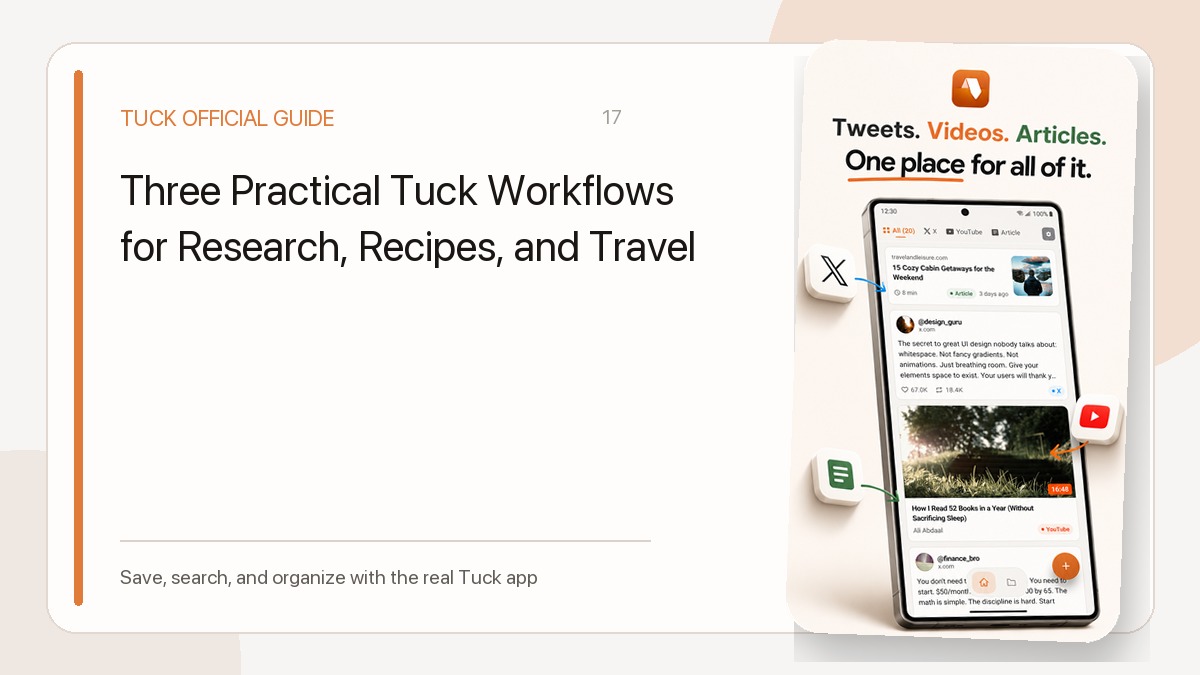
As you browse across different apps on iPhone or Android, you can capture candidate pages using Tuck. Share links directly through the system share menu or paste copied URLs into the app. Because Tuck accepts links from web articles, YouTube videos, and social platforms, you do not need separate bookmarking systems for articles and video demos.
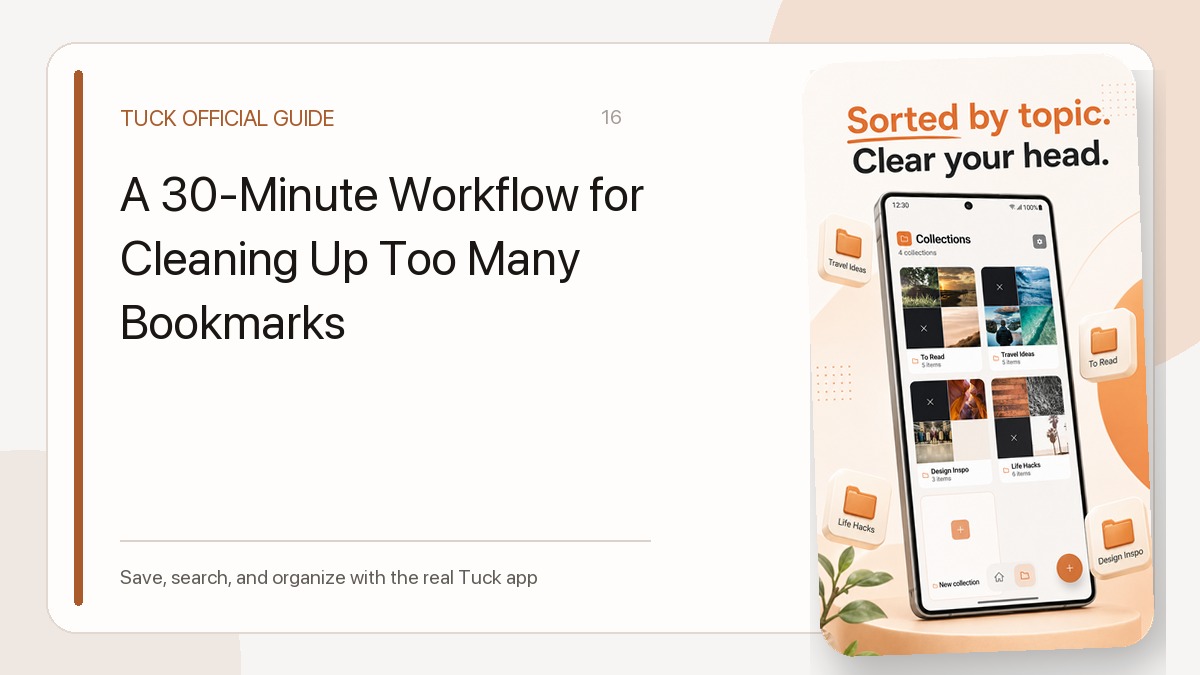
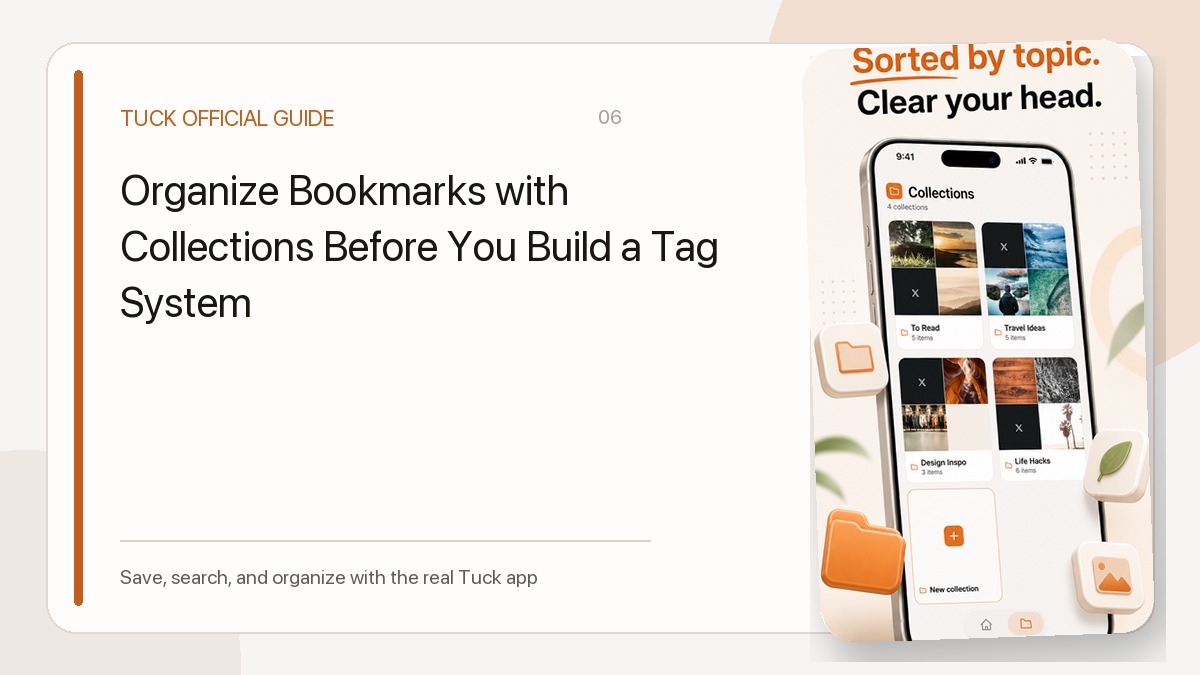
You do not need to organize every link immediately. You can save items as you encounter them and group them later once your shortlist takes shape. In Tuck, each link has a single collection assignment, allowing you to assemble your spec pages, video reviews, and user posts under one dedicated topic. For a deeper look at structuring your folders, see our guide on organizing links into focused collections.
Remember that Tuck stores the link itself rather than an offline video file or full page snapshot. Accessing a page later depends on the original source remaining accessible online.
A Worked Example: The Desk Lamp Shortlist
Consider a purchase decision for a desk lamp, comparing two hypothetical candidates: Lamp A and Lamp B. Rather than trying to track every technical detail, the evaluation centers entirely on physical desk fit and ease of operation.
Because Tuck does not contain built-in comparison tables, scorecards, price alerts, or note fields, track your final deductions in a document or notebook outside the app. The following table illustrates how to map your questions to specific links while keeping your decision log in a separate note:
| Question to Answer | Reference Source to Check | Decision Record (Kept Outside Tuck) |
|---|---|---|
| Will the base fit on a shallow workspace? | Official dimension diagram on manufacturer page | Record each lamp’s base or clamp dimensions, then compare them with your available desk space. |
| Can brightness be adjusted with one hand? | YouTube hands-on review showing control panel | Record the location and operation of each control, and which seems easier for you to use. |
| Does the arm droop after adjustment? | User posts on social channels discussing long-term use | Record the reviewer’s setup and reported experience separately from your own conclusions. |
Before committing to any purchase, always visit the original product page to confirm current pricing, availability, and final specifications. Live inventory and retail terms must always be verified at the source.
Retrieve and Review Your Evidence
Once your collection contains several links, review them systematically. In the Library, source filters allow you to isolate YouTube videos when you have time to watch demonstrations, or switch to web links when cross-checking dimension figures.
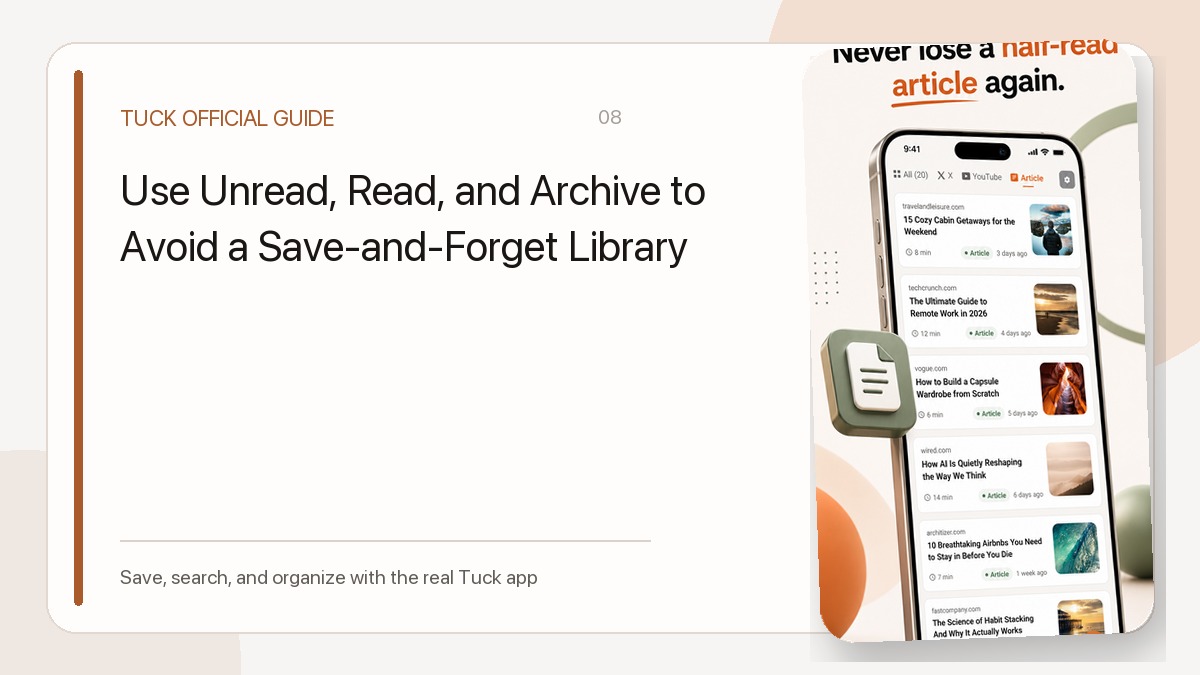
Marking an item as read in Tuck helps track which links you have already opened, but that state can also be changed manually and does not confirm whether an item meets your standards.
When searching the Library, you can locate specific models or publishers using keyword search across titles and domains. Tuck matches your query against saved page titles, snippets, author handles, site names, domains, and collection names. It does not index spoken dialogue inside videos or full-page text, so short, exact terms such as the model code or retailer domain work best.
Prune Ruled-Out Options
Effective research requires eliminating weak candidates as quickly as you find strong ones. As soon as a source confirms that a product fails one of your core requirements—such as a mounting option that does not fit your desk—remove that candidate from active view.
You can delete irrelevant URLs outright, or move them to the archive. Archiving removes links from your primary collection view while keeping them retrievable through the Archive filter if you need to double-check an earlier finding. Keeping your active list restricted to genuine contenders makes it easier to revisit the references behind your decision.
Download Tuck
Tuck is an iPhone and Android app for saving, searching, and organizing links from social posts, videos, and web articles.