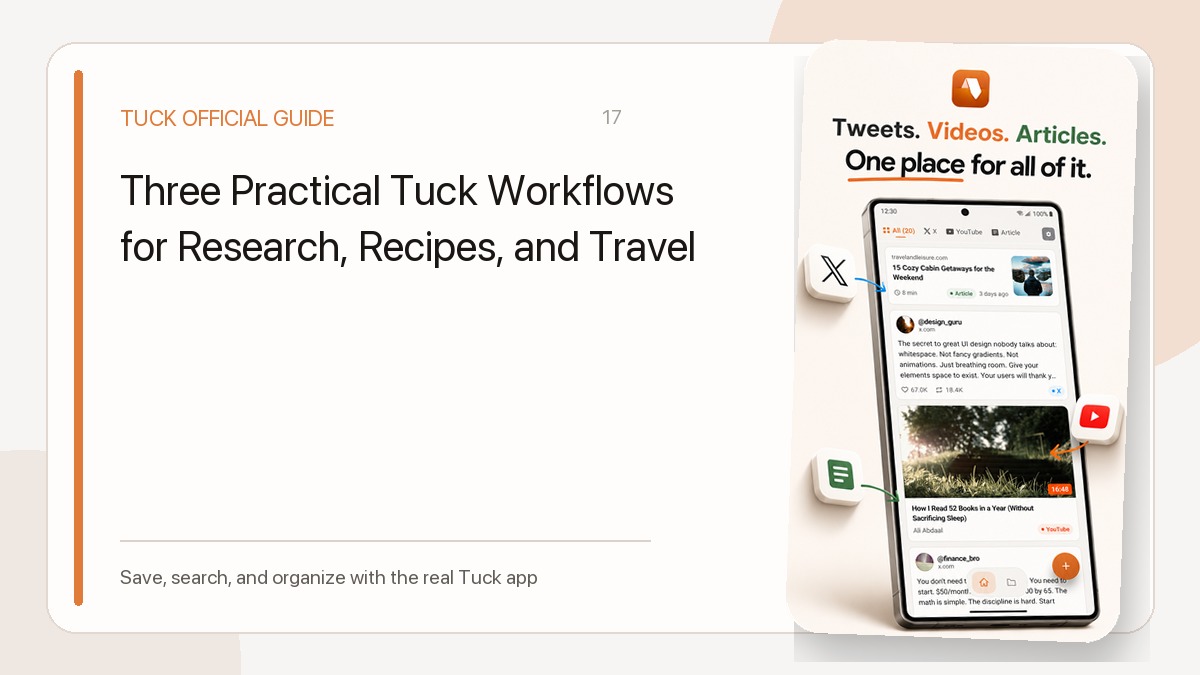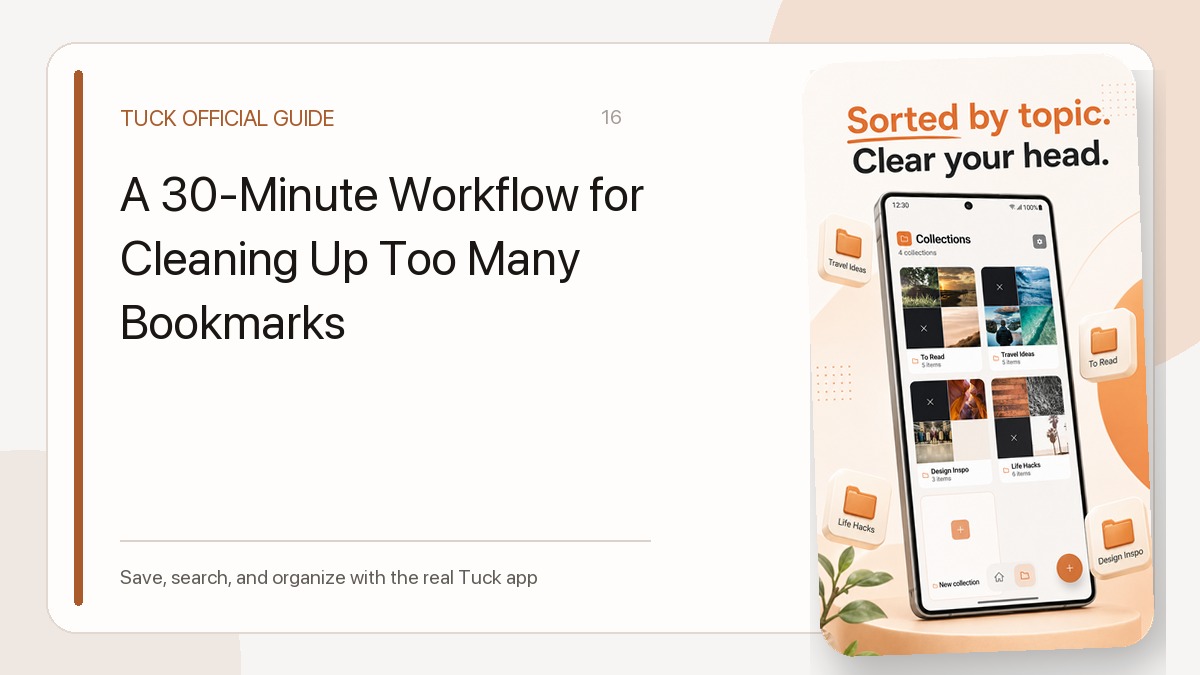
The most useful bookmark collections bring together different formats for a single real-world purpose. When you find a helpful web guide, a short social post, and a video walk-through, grouping them by your intended goal can be more useful than splitting them by platform.
In Tuck on iPhone and Android, links can be saved through the share menu or pasted directly. You do not have to choose a destination immediately. Saving first and grouping later keeps collecting fast, leaving your collections reserved for projects that benefit from organization.
Group by Purpose, Not Media Type
A common trap is creating separate buckets for each website, such as one folder for YouTube clips and another for articles. This fragments your research. If you are preparing for a trip or researching home repairs, the format matters less than how the items relate to each other.
Because Tuck assigns each link to one collection, keeping the group centered on a specific project avoids confusion:
- Trip Research: Combine official museum websites, restaurant recommendation clips, and social updates sharing seasonal tips.
- Home Projects: Place how-to video guides alongside written supply checklists and manufacturer web pages.
- Recipe Ideas: Collect quick video techniques alongside standard recipe articles.
You do not need to create all of these examples. Treat them as patterns to adapt whenever an active task involves mixed sources.
Let Filters and Search Do the Narrowing
You do not need separate collections for videos or social platforms because source filters already separate them. In the Library, choose a source filter such as YouTube, then search for a collection name such as Trip Research. Search matches that name among the saved fields. These filters are in the Library; the collection detail screen does not have its own source filters.
Keyword search also handles details without requiring custom categories. Tuck matches your query against stored titles, snippets, author names, site names, domains, and collection names. If you remember who wrote a post or which site hosted an article, you can search saved links among non-archived items under All—including links you never assigned to a collection. Use the Archive filter separately for archived links. Keep in mind that search covers these specific stored metadata fields rather than the full body of an article or spoken video dialogue, and source page availability still depends on the original site remaining online.
A Practical Routine: Capture First, Group Later
Sorting every bookmark at the moment you capture it slows you down. A simpler routine keeps your library manageable:
- Save immediately: Use the share menu or paste the link into Tuck without picking a collection.
- Review when ready: Review links in your library during a quiet moment. If several items clearly belong to an active project, assign them to a matching collection.
- Leave general items unassigned: Single references and standalone articles do not require a collection if you can locate them later through search or source filters.
Because there are no nested subfolders or tags, keeping your collection list focused on active goals prevents clutter.
Clear Active Views with Archive
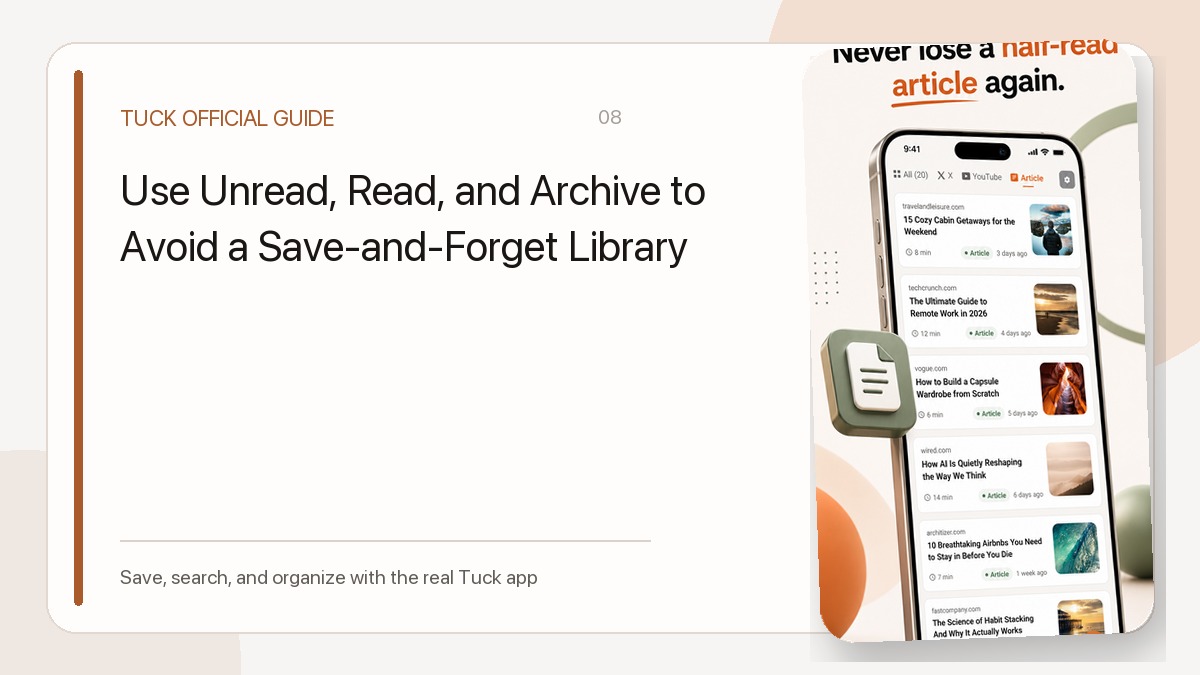
Collections organize links by theme, while status filters track their lifecycle. Read is a link state that can change when you open the source or change the state yourself, but it does not mean a task is done, bought, or fully understood.
When a project wraps up, move the relevant links to Archive instead of deleting them. Archiving removes links from the normal All view while keeping them retrievable through the Archive filter. This clears out old reference material without erasing the links you might want to revisit. For a closer look at managing these states, see the read, unread, and archive workflow.
Download Tuck
Tuck is an iPhone and Android app for saving, searching, and organizing links from social posts, videos, and web articles.