YouTube’s Watch Later list is useful when every item is a video. Tuck is helpful when a video belongs beside related articles, X posts, or other references in the same project or topic.
Save a YouTube link
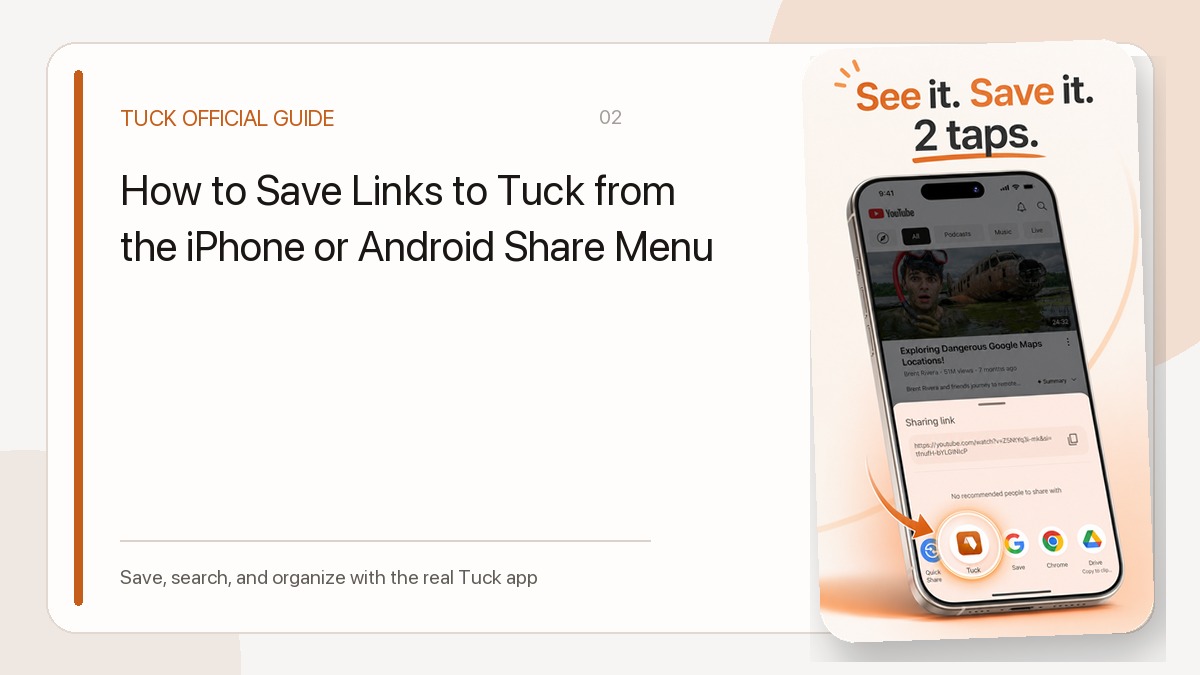
Open Share in the YouTube app or browser and choose Tuck. When available, Tuck adds the video title, channel, thumbnail, and duration to the card. Standard YouTube links and Shorts are classified as video links.
Organize by purpose
Create collections such as Study, Travel, or Recipes and place videos beside related web links. The unread state changes after you open the source from Tuck, so you can filter for links still marked unread. Read status can also be changed manually; it does not track video completion or understanding.
Tuck is not a video downloader
Tuck stores the link and metadata, not the video file. Watching still opens YouTube and depends on network access and the video’s availability. Tuck also does not automatically sync YouTube playlists.
Related guides
- How to Save Links to Tuck from the iPhone or Android Share Menu
- Use Unread, Read, and Archive to Avoid a Save-and-Forget Library
Download Tuck
Tuck is an iPhone and Android app for saving, searching, and organizing links from social posts, videos, and web articles.