One useful way to make saved links useful is to group them around the exact moment you plan to revisit them. On iPhone and Android, Tuck lets you save links directly from social posts, YouTube videos, and web pages using the system share menu or by pasting a URL. You can save immediately without choosing a destination, then organize links into a collection later when a clear theme emerges.
If you are deciding how to start, three practical uses showcase how different formats fit together: answering a research question, lining up weekday meals, and gathering ideas for a trip.
Research: Answering a Specific Question

When investigating a focused problem—such as comparing techniques for a small creative project—useful answers rarely come from a single source.
- What to save: Gather official documentation, explainer articles, community posts from X, and YouTube walkthroughs that address that single question.
- When to review: Open the collection when you sit down to solve the problem or summarize your findings. In the Library, you can filter by source platform or run a keyword search across stored titles, authors, and domains to locate a specific explainer. If you need formal citations or full bibliography details, record those in a dedicated reference manager outside Tuck, as Tuck stores the link itself rather than personal notes.
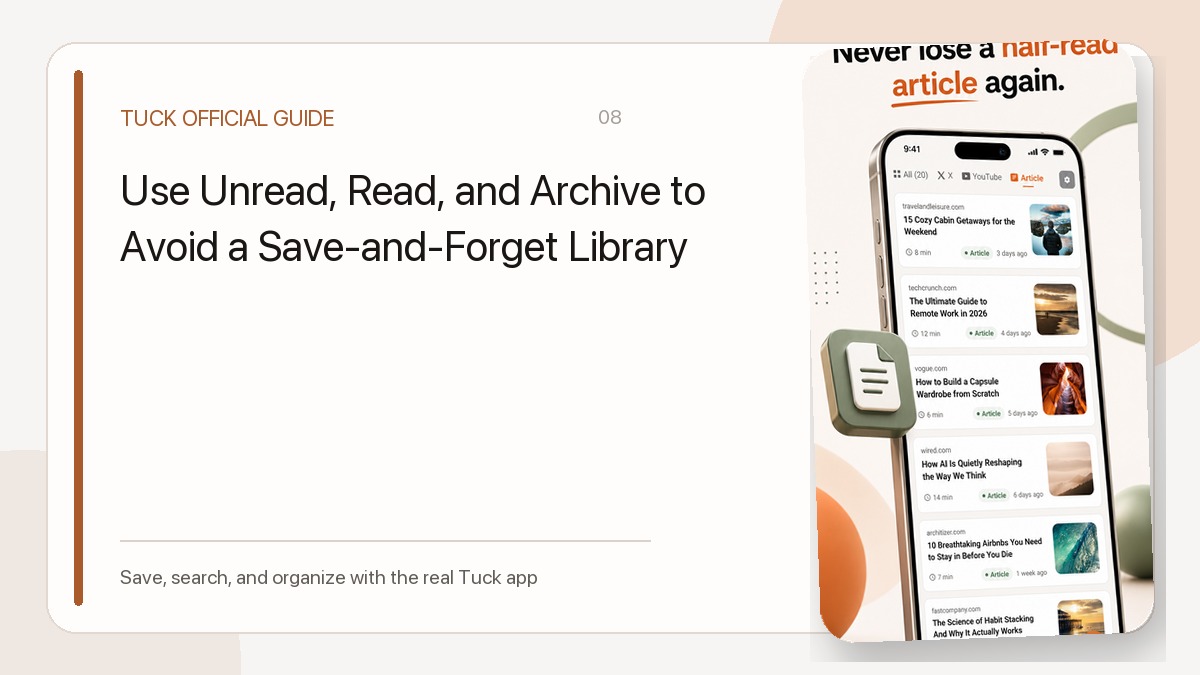
- When the task is done: After answering your question, mark the links as read and archive them. Archiving removes links from your primary list while keeping them accessible through the Archive filter if you need to reference the original pages later.
Recipes: Deciding Weekday Dinners

Online recipe ideas often get lost across different apps because an idea might start as an Instagram reel, a TikTok clip, or a traditional cooking blog.
- What to save: Save candidate dinner ideas as you browse—such as a 20-minute skillet meal, a pasta technique video, or a seasonal soup recipe. You can keep them together in an optional collection like “Dinner Ideas.”
- When to review: Browse your collection while planning weekly groceries or deciding what to cook after work.
- When the task is done: Update link states intentionally. Read is a link state that can change when you open the source or adjust it yourself, but read status does not track whether you actually cooked or mastered the dish. Keep recipes you want to make again active in your collection. If a recipe did not suit your taste or you no longer intend to prepare it, archive or delete the link to keep your dinner list manageable.
Travel: Collecting Places for an Upcoming Trip

Planning a trip involves gathering recommendations from diverse sources before narrowing them down.
- What to save: Save candidate restaurants, neighborhood guides, museum sites, and short travel videos into a single project collection, such as “Chicago Trip.”
- When to review: Review candidates during the planning stage to select your stops. Because Tuck stores web links rather than live status feeds or offline copies, open the original page to verify current opening hours, admission prices, or seasonal closures. For route mapping, ticket bookings, and collaborating with travel companions, keep those details in dedicated external tools.
- When the task is done: Once the trip concludes, the collection has completed its purpose. Archive the individual links so they exit your main view, leaving a clean workspace while remaining available under the Archive filter for future recommendations.
Choosing Your Starting Point
To decide where to begin, match Tuck to your most immediate friction:
- Pick research if you are actively solving a question that spans both written guides and video demonstrations.
- Pick recipes if you want a single, low-friction place to check before grocery shopping.
- Pick travel if you have an upcoming trip and need a temporary holding area for candidate destinations.
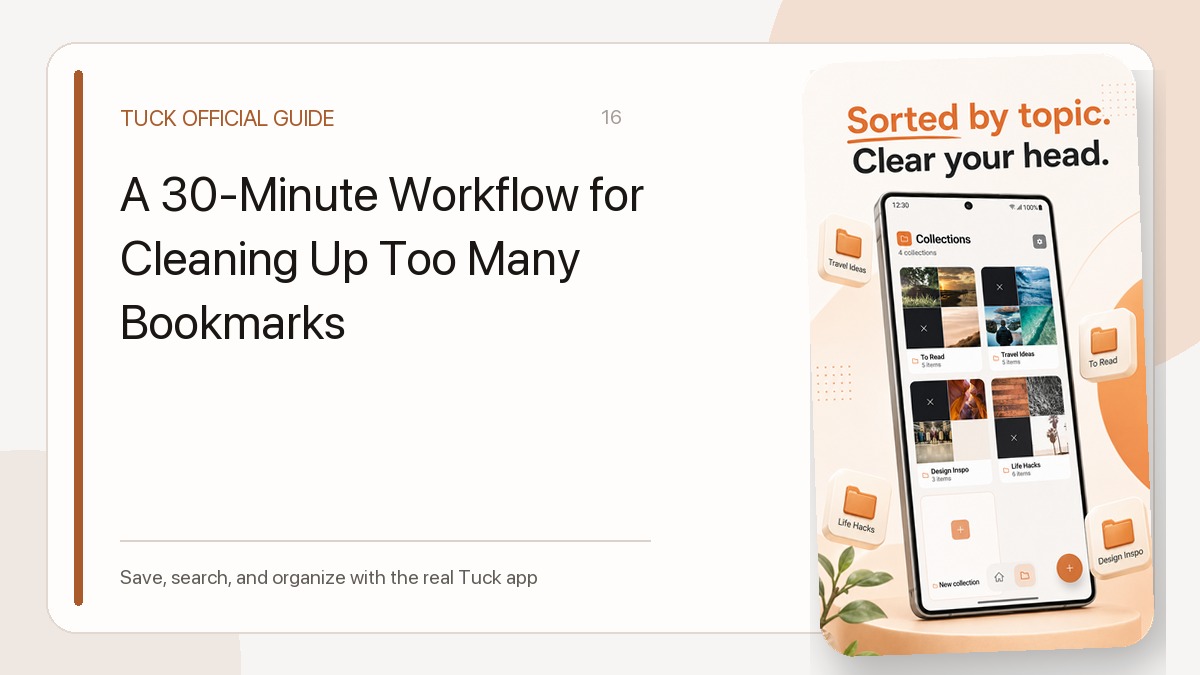
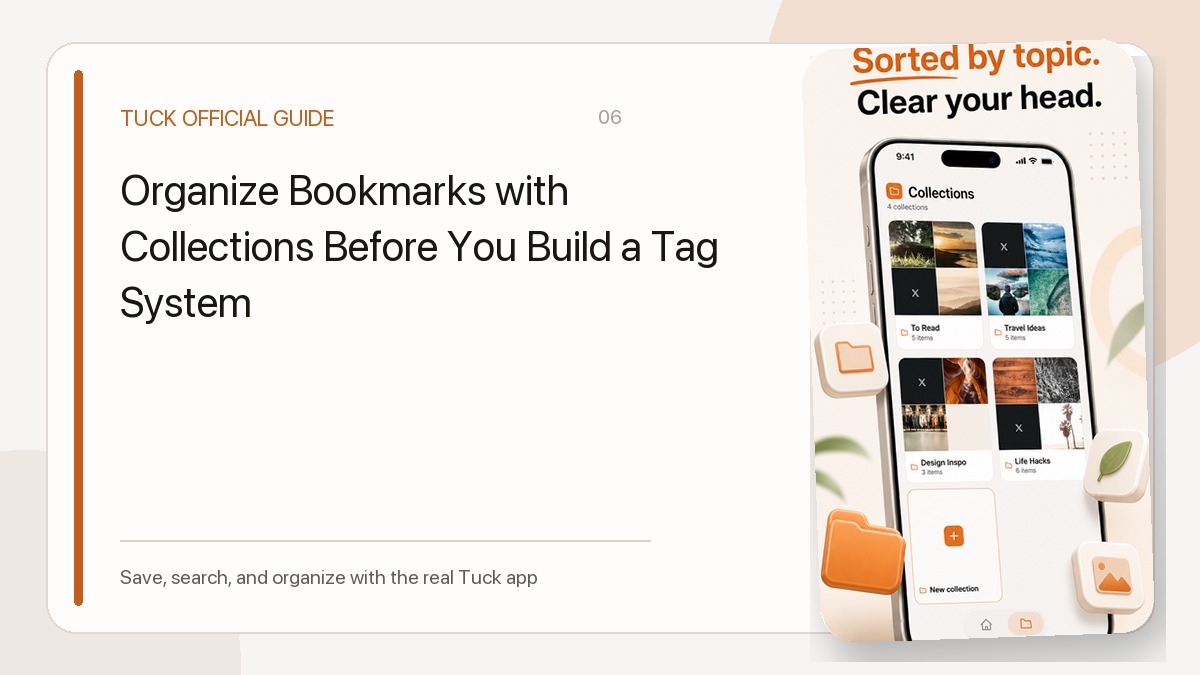
A straightforward sequence works across all three: share or paste links as you discover them, assign related links to a single collection when ready, and archive items once their purpose is fulfilled. To learn more about organizing your links, see our guide to bookmark collections. For tips on managing link states, read our read, unread, and archive workflow.
Download Tuck
Tuck is an iPhone and Android app for saving, searching, and organizing links from social posts, videos, and web articles.