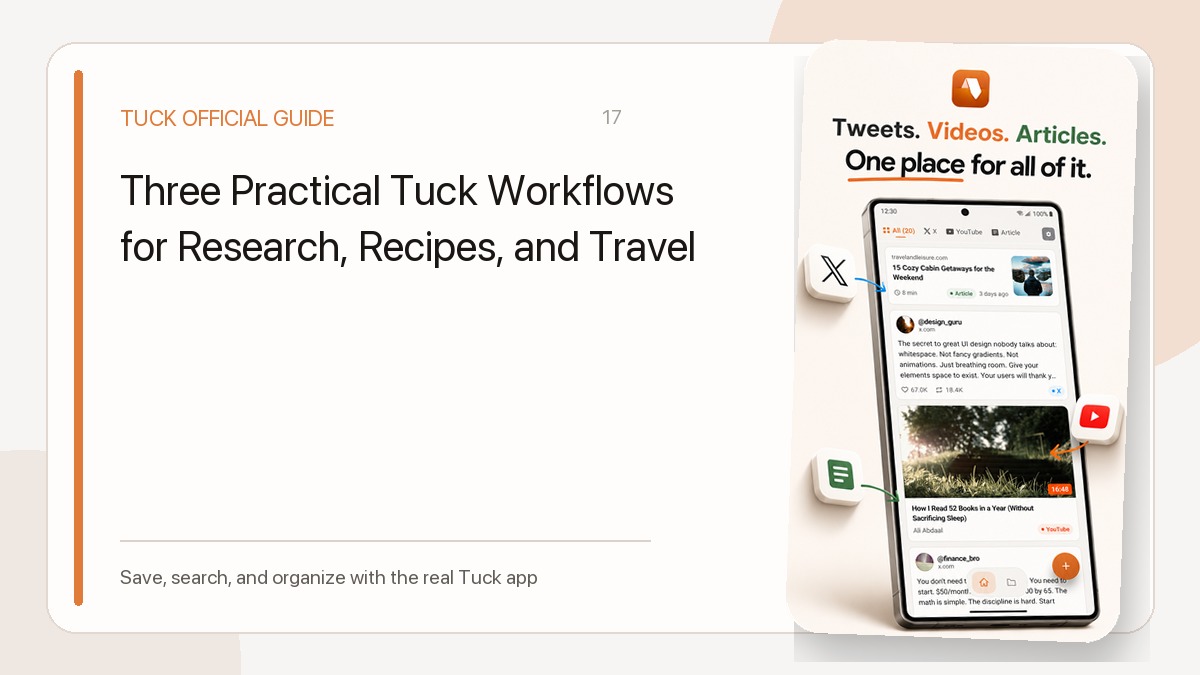
Trying to classify a large link archive perfectly turns organization into another backlog. Start with one question: will you use this link soon? Treat the 30 minutes below as a timebox for making a start, not a promise to finish the entire library.
First 10 minutes: define what stays active
Keep links you are likely to read, watch, or use within the next month. Leave undecided links in the old system for now. You do not need to migrate every historical bookmark into Tuck.
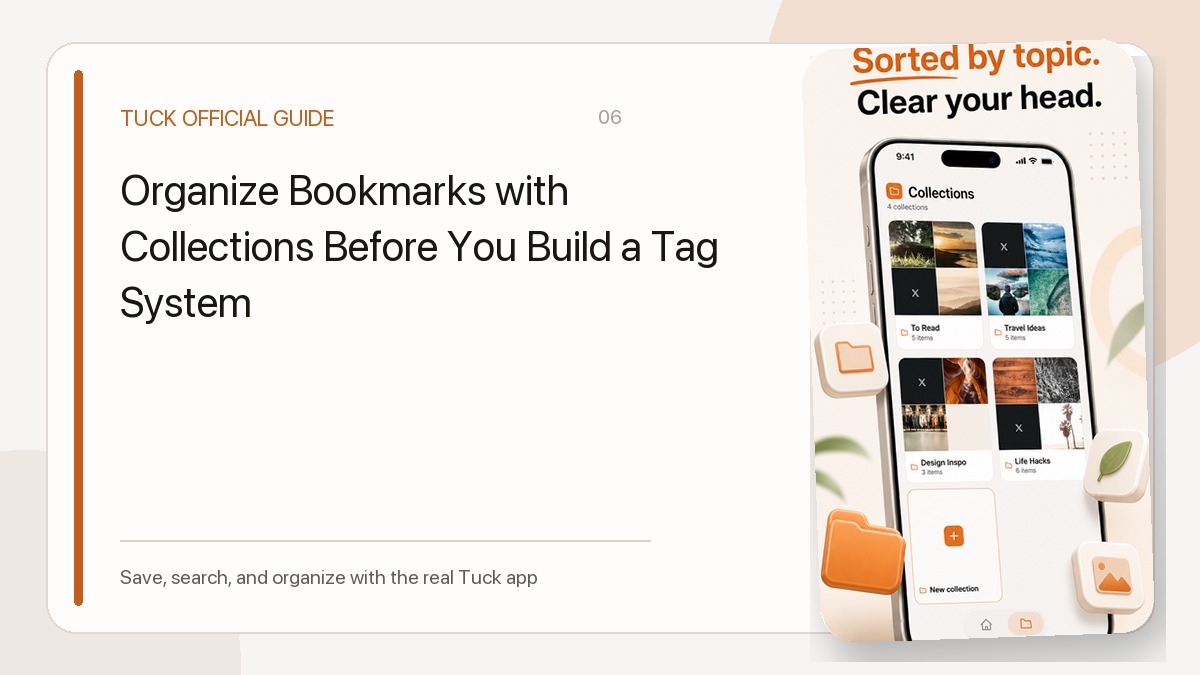
Next 10 minutes: group by purpose
Place the remaining links into a few outcome-based collections. When the same canonical URL is saved again, Tuck reuses the existing item, removes its archive state, and updates its saved date. It keeps the read state and collection assignment, so re-saving is not a way to mark a link unread.
Final 10 minutes: create a review loop
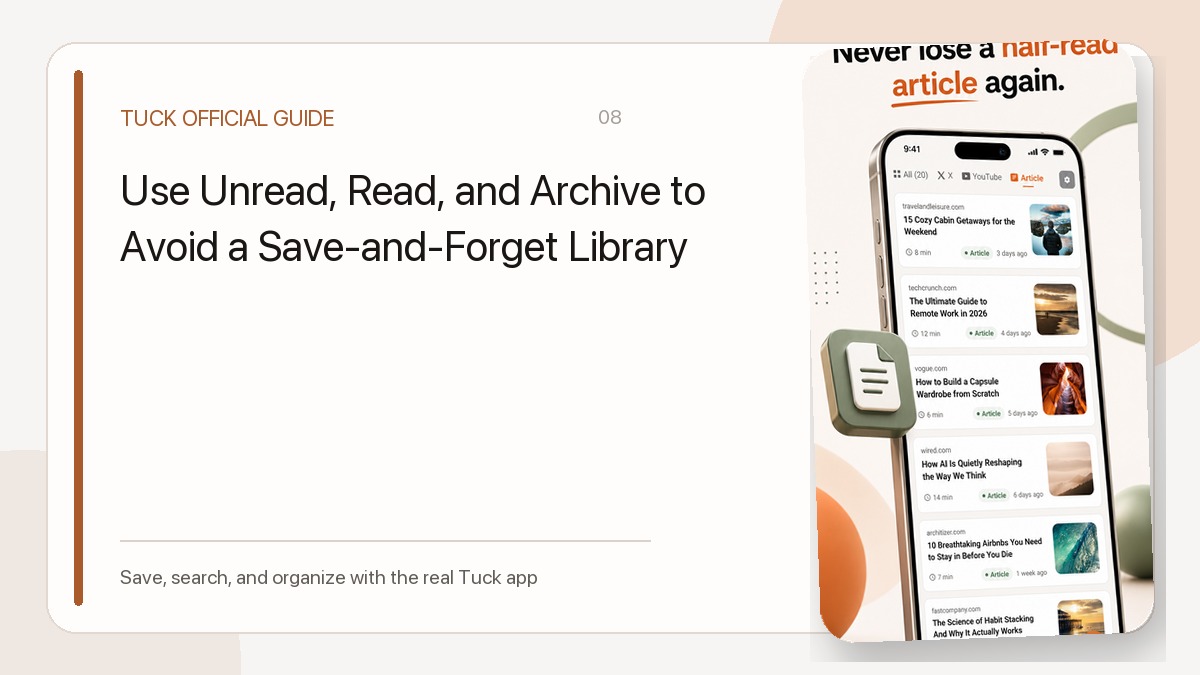
Open the unread filter and choose one item. Archive links that have served their purpose. If you enable reminders, use each notification as a prompt to make one decision rather than clear the entire library.
Related guides
- Choosing Useful Bookmark Collections
- Use Unread, Read, and Archive to Avoid a Save-and-Forget Library
Download Tuck
Tuck is an iPhone and Android app for saving, searching, and organizing links from social posts, videos, and web articles.