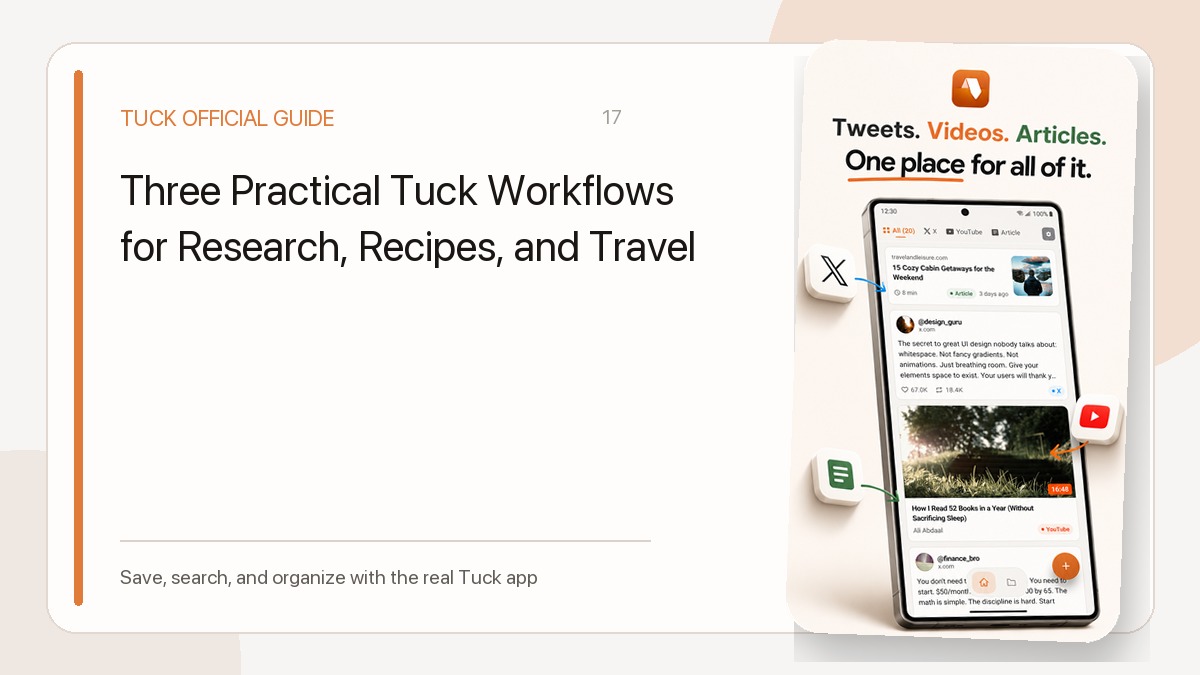
Native bookmarks are useful until your saved links are split between social apps, browsers, and watch-later lists. Tuck gives links you save to it one searchable library. You add the URLs you want to keep; it does not automatically collect bookmarks you previously saved inside other apps.
What a social bookmark manager actually saves
Tuck stores the original URL together with metadata it can retrieve, such as a title, thumbnail, author, site name, or video duration. It does not download or preserve the original post, article, or video. Opening an item takes you back to the source in a browser or supported app.
- Keep links from several services in one feed
- Search device-local metadata and collection names
- Filter by unread state, content type, or archive
The basic Tuck workflow
Open the operating system share menu on the page you want to keep and choose Tuck. You can also paste a URL into Tuck manually. Tuck attempts to save a valid URL before retrieving its preview. Saving can still fail at the free-tier limit or because of a device write error, so check the save result.
- Share or paste the URL
- Optionally place it in a collection
- Find it later with search and filters
Who it is for
Tuck is useful for people who collect ideas across social media, video platforms, and the web. It works especially well for research, recipes, travel planning, study links, and inspiration. It is a link manager, not an offline article reader or media downloader.
Related guides
- How to Save Links to Tuck from the iPhone or Android Share Menu
- Choosing Useful Bookmark Collections
- How to Find a Saved Link with Tuck Search and Filters
Download Tuck
Tuck is an iPhone and Android app for saving, searching, and organizing links from social posts, videos, and web articles.