Organize moving research around the stage when you will use it: choosing a home, furnishing it, or checking moving arrangements. Save links as you find them, group them when useful, and archive candidates you no longer need. This keeps property listings, video tours, and reference pages together without mixing them with your appointments or personal notes.
Grouping Your Links Across Three Practical Stages

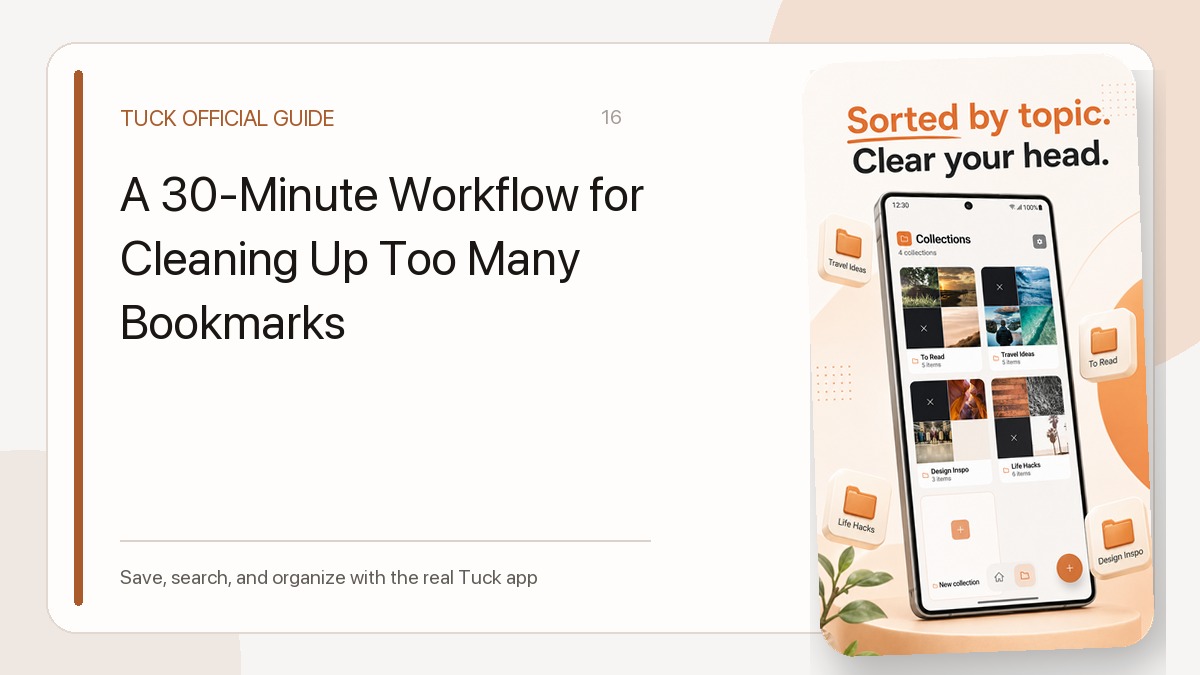
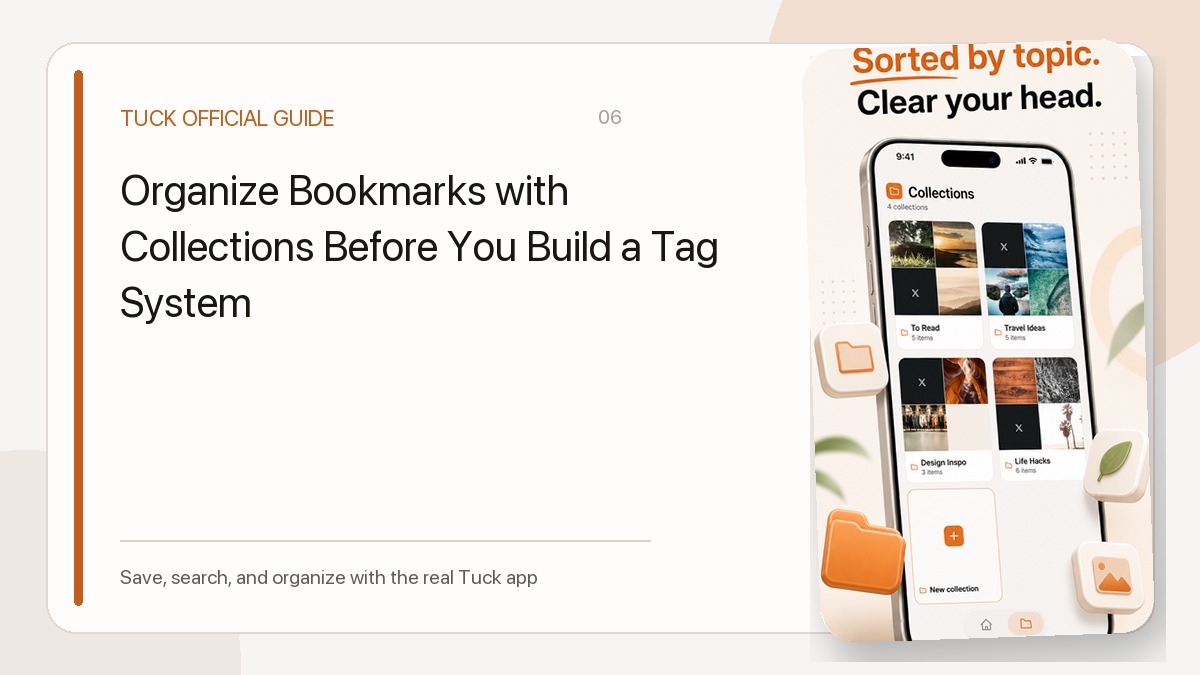
Moving research shifts as you make progress: first you evaluate where to live, then you choose what to put inside, and finally you coordinate the logistics of moving in. Instead of building an elaborate folder structure, three broad groups can be a starting point to keep references organized. In Tuck, a saved link can be assigned to one collection or left unassigned, which keeps categories distinct and easy to review.
| Example Collection | Types of URLs Saved | When to Use It |
|---|---|---|
| Home shortlist | Apartment listings, neighborhood overview guides, video walkthroughs | While evaluating candidate properties and deciding which locations to tour |
| Furnishing the new place | Furniture retail pages, interior video ideas, floor layout inspiration | After choosing a home, while planning room arrangements and shopping needs |
| Moving reference pages | Checklist articles, utility setup portals, packing tip guides | During the moving weeks to check service requirements and packing tips |
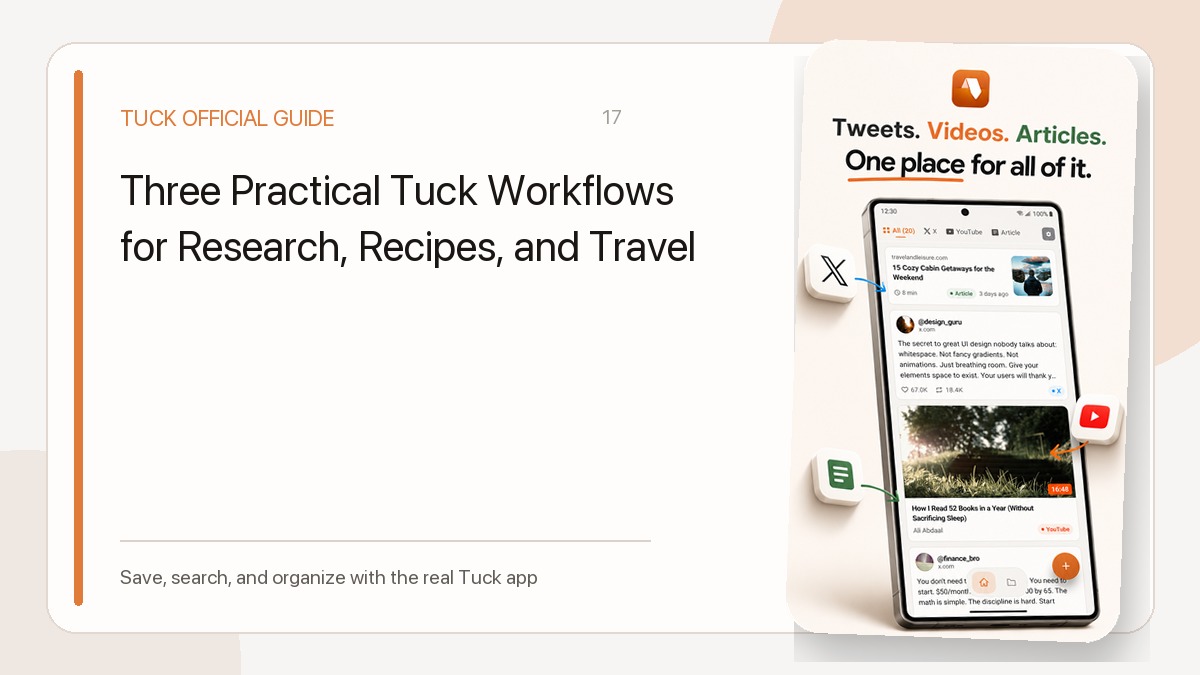
These collection names are optional examples that you can adapt to your own moving timeline. When you spot a listing on a property website, an interior tour on YouTube, or a layout suggestion on social media, you can share it directly to Tuck on iPhone or Android through your system share menu or by pasting the URL. You do not need to choose a collection immediately; saving first and sorting later allows you to collect ideas without breaking your focus. For practical ideas on grouping your saved items, read our guide to bookmark collections.
Keeping Notes, Measurements, and Dates Outside Your Link Saver
A bookmark manager stores web addresses, but it is not built to serve as a calendar, comparison engine, or moving task manager. Keeping your workflow clean requires maintaining a clear separation between saved web links and your personal moving data.
Use Tuck for the reference links, and keep moving deadlines and measurements in your usual calendar or notes. When you have specific details to track—such as room dimensions, application deadlines, moving dates, or landlord inquiries—record those manually in a separate notes app, spreadsheet, or calendar. For instance, you can keep ceiling heights and doorway measurements in a personal note file to reference alongside your saved furniture links. Keeping administrative tasks and schedules in their own tools ensures your link collection remains an uncluttered reference library rather than an incomplete to-do list.
Finding Stored Links as Your Priorities Shift
As your collection expands, locating a specific link quickly saves time. Tuck provides keyword search and source filters to help you retrieve references without browsing through everything you have saved.
Keyword search matches against stored titles, snippets, author names, site names, domains, and collection names. It does not search the full body text of an article or the spoken audio of a video. If you want to revisit a specific apartment video or design clip, try the neighborhood name, creator, or domain; a match depends on those words appearing in the saved fields.
Source filters also help you separate formats. If you remember saving an interior layout video on YouTube or a styling photo on Instagram, applying the corresponding source filter hides standard web pages and highlights only links from that specific platform.
Archiving Shortlists to Focus on the Next Phase
Once you secure a home, some candidate listings from your initial search may no longer be useful. Leaving dozens of inactive rental links in your active view clutters your workspace just as your attention needs to turn toward furnishing and setup.
Instead of deleting candidate listings permanently, you can archive them individually. Archiving moves links out of the normal All view in Tuck while keeping them searchable under the Archive filter. This allows you to look back at an old property specification or agent contact page if needed, without letting expired listings distract you from upcoming decisions. Keep in mind that Tuck stores the link itself rather than an offline backup; if a property portal removes an expired listing, Tuck cannot preserve the underlying webpage content.
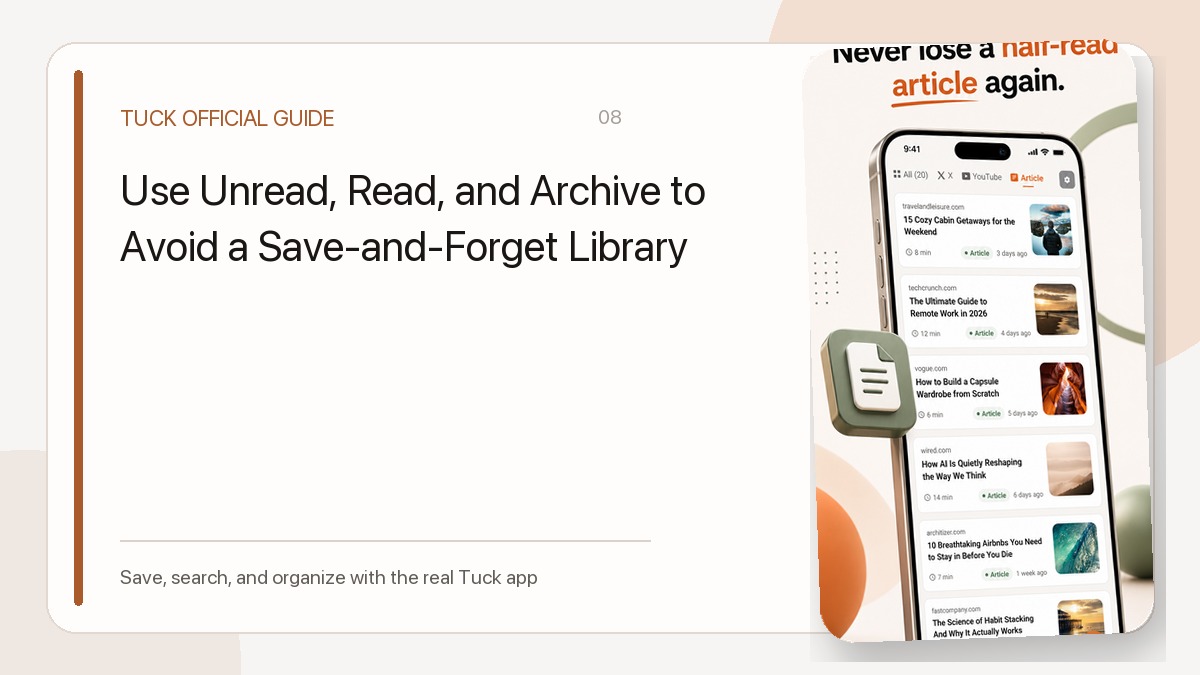
You can also use read and unread link states to track what you have already inspected. In Tuck, marking an item as read is simply a status indicator for your list; it does not confirm that an application was submitted, an agreement was completed, or a product was purchased. To learn more about maintaining an uncluttered workspace as your projects wrap up, see our read, unread, and archive workflow. Archiving past research as each stage finishes keeps your active view clear and ready for the next step in your move.
Download Tuck
Tuck is an iPhone and Android app for saving, searching, and organizing links from social posts, videos, and web articles.